


Manage your AutoShip
Skip an order, change the date, swap formulas or update your details. It all happens in your AutoShip portal, any time of day.
Not signed in? Enter the email you used at checkout and we will email you a secure way to sign in.
In your portal you can
-
Skip an orderHave enough on hand? Skip the next delivery and your schedule carries on after it.
-
Change the next ship dateMove your next order earlier or later to fit your plans.
-
Change how often it shipsChoose every 4, 6 or 8 weeks. Most people match it to how fast they finish a bottle.
-
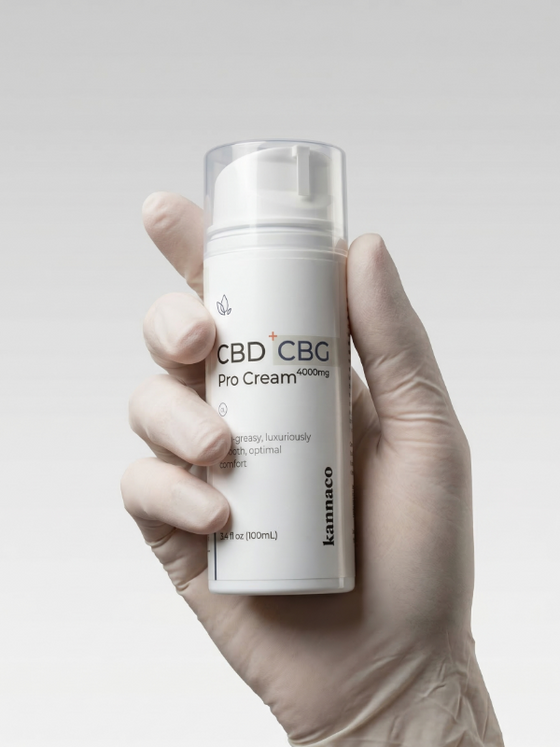
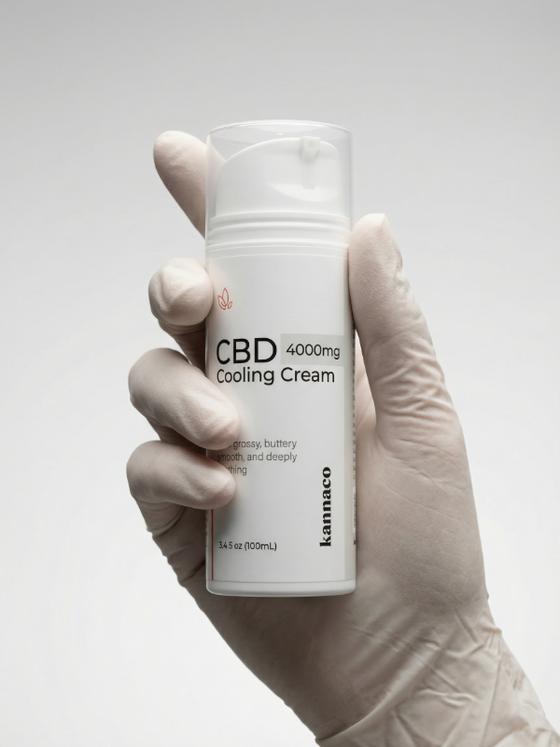
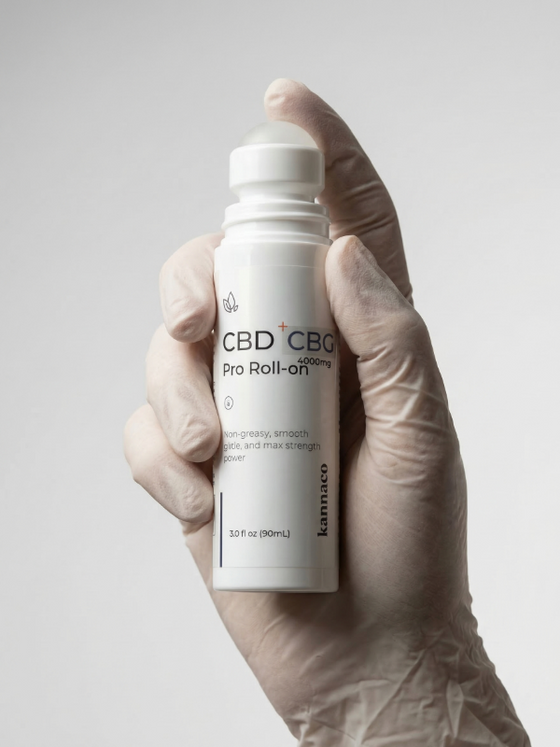
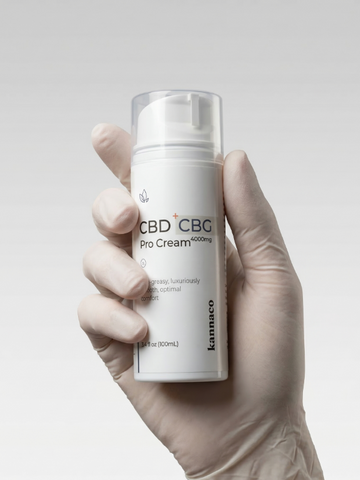
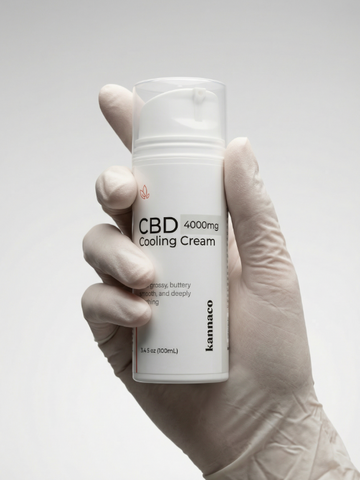
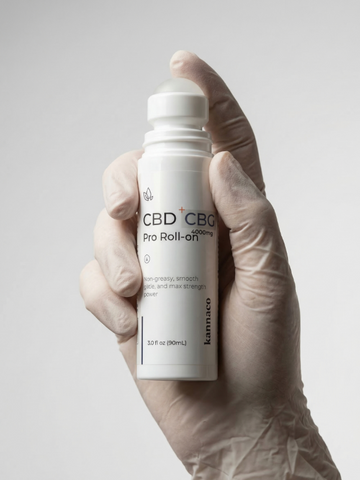
Swap or add a formulaSwitch between Pro Cream, Pro Roll-On and Cooling Cream, or add a second one.
-
Update your address or cardMoving, or have a new card? Update it before your next order is placed.
-
Pause or cancelTake a break and restart later, or end your AutoShip. No phone call needed.
Three steps, no password to remember.
- 1Select Open my AutoShipUse the button on this page. If you are signed in to your Kannaco account, your AutoShip opens right away.
- 2Enter your checkout emailNot signed in? Enter the email address you used when you started AutoShip.
- 3Open the secure linkWe email you a secure way to sign in. Open it on the same device and you are in.
What AutoShip saves you.
Every formula is $84.99 with free shipping. AutoShip brings that down on every order, and our two programs bring it down further.
AutoShip
$67.99 a bottle instead of $84.99, delivered every 4, 6 or 8 weeks with free shipping.
Retiree 62+ program
30% off every AutoShip order, instead of 20%, for customers in the program.
See the 62+ programMilitary program
30% off every AutoShip order, instead of 20%, for customers in the program.
See the military programStart AutoShip on any formula.
Open a formula, choose AutoShip and pick how often it ships. You can change or cancel it any time from your portal.
-
Pro CreamCools, then warms. For larger areas.$67.99
$84.99with AutoShip -
Pro Roll-OnStrong cooling in a roller. For small spots.$67.99
$84.99with AutoShip -
Cooling CreamGentle, steady cooling. For all over.$67.99
$84.99with AutoShip
AutoShip questions.
Signing in
How do I sign in to my AutoShip?
Select Open my AutoShip on this page. If you are already signed in to your Kannaco account, your AutoShip opens right away.
If not, enter the email address you used at checkout and we will email you a secure way to sign in.
My email address is not recognized. What should I do?
Use the email address you used when you started your AutoShip. If it still is not found, send us a message from our Contact Us page and we will sort it out.
Orders and billing
Will I hear from you before an order ships?
Yes. We email you before each AutoShip order, so you have time to skip it, change the date or update your details.
When is my card charged?
Your card is charged when each AutoShip order is placed, on the date shown in your portal. Change the date or skip the order before then if you need to.
How long does shipping take?
Every AutoShip order ships free. Orders usually ship within 1 to 2 business days, and delivery generally takes 3 to 5 business days after that. We email you tracking when it ships.
Changes
Can I switch to a different formula?
Yes. You can swap or add a formula in your portal. If you do not see the option you need, contact us and we will change it for you.
How do I pause or cancel?
Open your portal and choose Pause or Cancel on your AutoShip. You can restart it whenever you like. If you would rather we handle it, contact us.
Do the 62+ and military savings work with AutoShip?
Yes. Customers in our Retiree 62+ program and our Military program get 30% off every AutoShip order, instead of 20%.
Each program page explains who qualifies and how to join. You can find both under Customer Support in the menu.
Ready to make a change?
Questions? Email hello@kannaco.co, Monday to Friday, 9 am to 5 pm CT.